DialUp 4 Less Internet Access
WebMail Access
 
Click Here To Verify Our BBB Status
 
  
Email Client Support/Setup for Eudora 7.x
 
Configuring Eudora 7.x
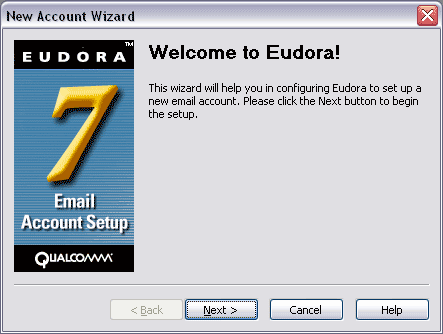
  • The first time you run Eudora, the New Account Wizard screen will appear. Follow these instructions to configure Eudora.
  • Click Next.
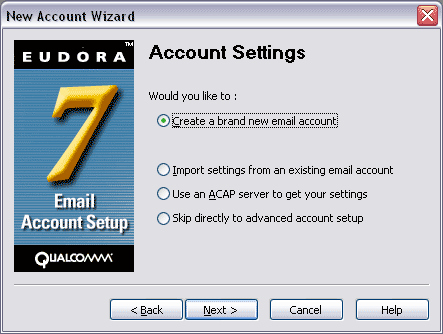
  • If you are importing your settings, click the appropriate choice. Otherwise, highlight the first option and click Next.
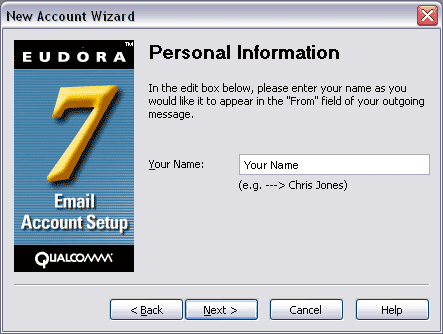
  • Type in your full name and click Next.
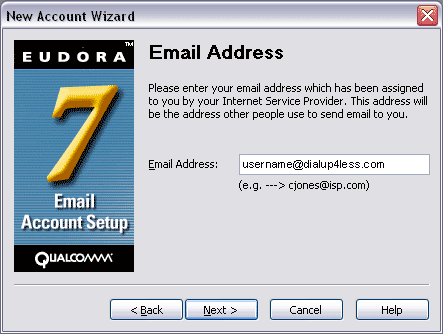
  • Enter your email address and click Next.
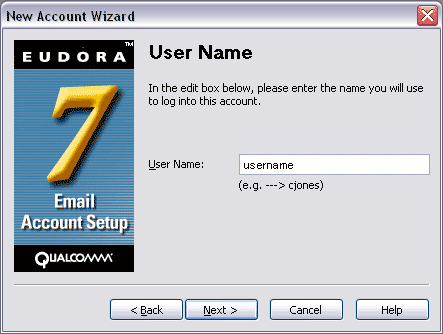
  • Your username should be filled in. Click Next.
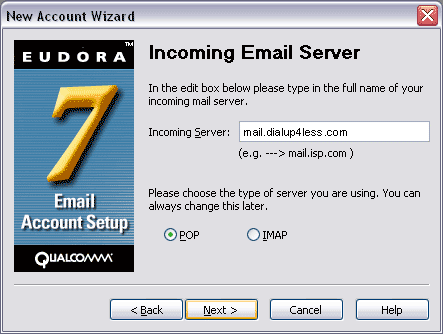
  • The Incoming Server field should read mail.dialup4less.com. Click Next.
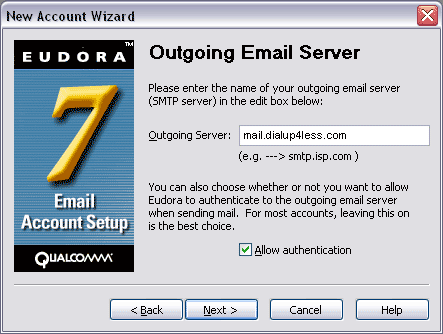
  • The Outgoing Server field should read mail.dialup4less.com. Click Next.
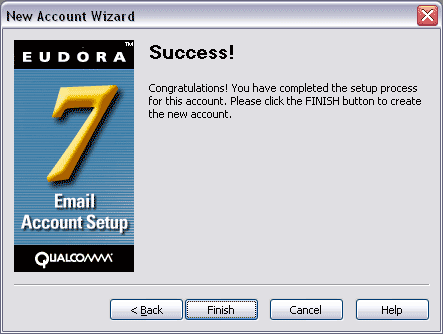
  • Click Finish.


Back To Support Page
 Copyright © 1998-, Dialup 4 Less.